Provide state-of-the-art image capture, screen capture, video capture and audio capture software

Capture Image From Your Photoes
Next >> | Return to Features Tour
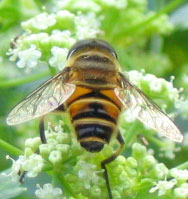
Using Region Capture mode of ACA Capture Pro to capture image anywhere on the screen, well, let's try to get a lovely honeybee from a photo:
- Launch ACA Capture Pro. If you haven't installed ACA Capture Pro on your computer, click here to free download, and then install it.
- Open the photo on your screen.
- Select menu "Capture -> Region" on ACA Capture Pro
- A large cross cursor will appear, drag the outline to enclose the area you want to capture, click the left mouse button or press Enter key to complete the capture.
The zoom image, size and position (in pixels) of the capture will be shown within the help window.
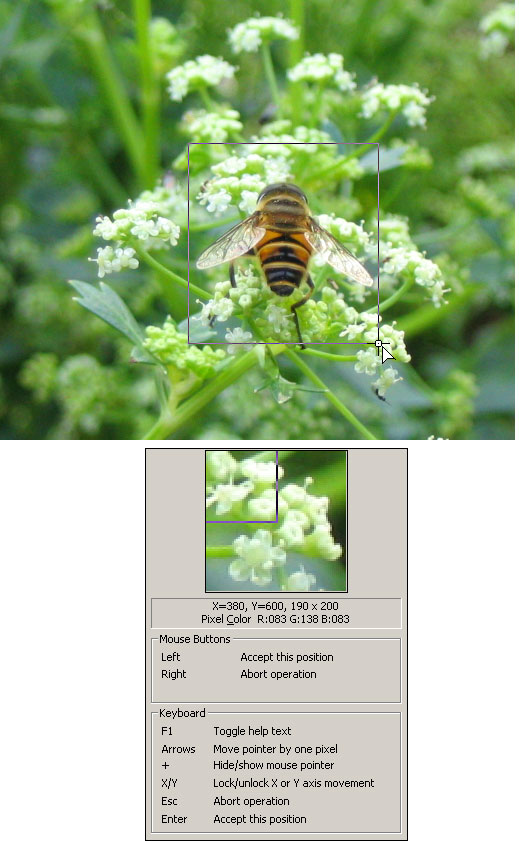
OKay, we just get a lovely honeybee!